Conference Audio Recording (Board Feed + Backup) in Vancouver Venues
Conference Audio Recording in Vancouver (Board Feed + Backup Plan)
If conference video “looks fine” but sounds bad, it’s basically unusable. The number one reason conference recordings fail is simple: the audio plan was assumed instead of engineered.
This guide explains how pros capture board feed audio plus backups in Vancouver venues so you don’t lose keynotes, panels, or Q&A.
Service categories: Conference video recording, Audio capture, AV coordination, Keynote filming, Breakout recording
What “board feed” actually means (and why it’s not enough)
A board feed is the audio mix coming from the venue’s mixer (often from the AV provider). It can be great—until it isn’t.
Common board feed problems:
the feed is too low, too hot, or distorted
the feed misses audience Q&A (because those mics aren’t routed)
the feed drops when someone changes routing
the feed has only the podium mic, not handhelds
Best practice: treat the board feed as your primary source, and run an independent backup path.
The three-layer audio plan that prevents disasters
Layer 1: Board feed (primary, when available)
Coordinate:
what feed type is available (XLR, 1/4", RCA, Dante)
whether it’s a record mix or a live room mix
whether Q&A mics are included
Layer 2: Dedicated backup (always)
Backups protect you from routing issues and bad gain staging.
Common backup options:
direct lav on the keynote speaker (when possible)
dedicated recorder on a room mic aimed at the PA
isolated mic capture for panels (if feasible)
Layer 3: Q&A capture strategy (the usual failure point)
If Q&A matters, plan it explicitly:
ensure audience mic is routed to your recording feed
if it’s not routed, capture it separately
don’t rely on “the camera mic will pick it up” in big rooms
Keynote audio: lav vs podium vs handheld
Podium mic
Reliable if the speaker stays at the podium. Not reliable if they roam.
Lav mic
Best for roaming speakers and consistent level—requires coordination and proper placement.
Handheld
Great for Q&A and panels. Needs clean routing and discipline with mic handoffs.
Breakout rooms: audio depends on the room style
classroom/workshop rooms often need a room mic strategy
ballroom breakouts often have AV support but require routing confirmation
small rooms may not have AV at all (bring your own controlled setup)
The questions to ask AV (copy/paste)
Can we get a dedicated record feed of all program mics?
Are audience Q&A mics routed into that feed?
What connectors/format will the feed be (XLR/1/4/Dante)?
Who is the onsite audio lead and when can we do a quick test?
Will any routing change during the day (panels, handheld swaps, breakout flips)?
Related links
Conference video + photography (hub): https://www.studiowillis.com/conference-video-photography-vancouver-bc/
Conference recording cost (audio is a major factor): https://www.studiowillis.com/conference-video-photography-vancouver-bc/conference-video-recording-cost-vancouver-bc
Conference recording packages: https://www.studiowillis.com/conference-video-photography-vancouver-bc/conference-recording-packages-vancouver
Conference RFP template: https://www.studiowillis.com/conference-video-photography-vancouver-bc/conference-video-rfp-template-vancouver
Contact: https://www.studiowillis.com/contact
Contact the studio
FAQ
What is a board feed for conference audio?
A direct audio output from the venue’s mixer/AV system that carries the microphones used on stage (and sometimes more).
Why is board feed audio not enough?
It can miss Q&A mics, be distorted, be too low, or change unexpectedly during routing adjustments.
What’s the best backup audio plan for conferences?
A dedicated independent source (lav/recorder/room mic strategy) running alongside the board feed.
How do you capture audience Q&A clearly?
Ensure the audience mics are routed to the recording feed, or record Q&A separately if they aren’t.
Should keynotes use lav mics?
If speakers roam, lav mics are often the cleanest solution—provided placement and monitoring are handled properly.
What causes distorted conference audio?
Bad gain staging, clipping on the mixer output, or incorrect feed levels into the recorder/capture device.
Do breakout rooms need different audio planning?
Yes. Breakout rooms vary widely; some have AV feeds and some require a controlled bring-your-own setup.
Can you fix bad conference audio in post?
Some issues can be improved, but missing Q&A or heavily distorted audio often can’t be fully repaired.
What should we ask the venue AV team about audio?
Feed type, whether it includes all program mics + Q&A, who the audio lead is, and when testing is possible.
What’s the most important step to avoid audio failure?
Confirm routing and test early—then run a real backup path all day.
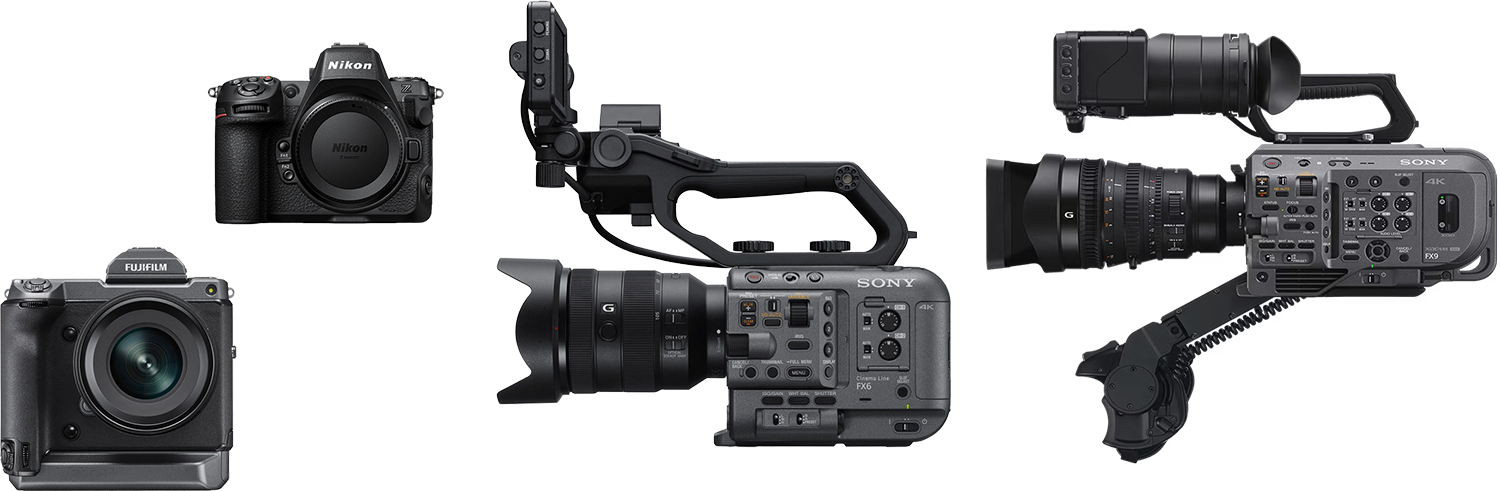
Learn about our equiptment