Conference Video + Photography RFP Template (Vancouver) — Copy/Paste Scope of Work
Conference Video + Photography RFP Template (Vancouver)
A good RFP prevents the most common conference media failures: unusable audio, unclear slides, and deliverables that don’t match expectations. Use this template to get apples-to-apples pricing and lock down details that matter in Vancouver venues (AV routing, load-in windows, camera placement rules).
Service categories: RFP support, Scope writing, Vendor comparison, Conference recording
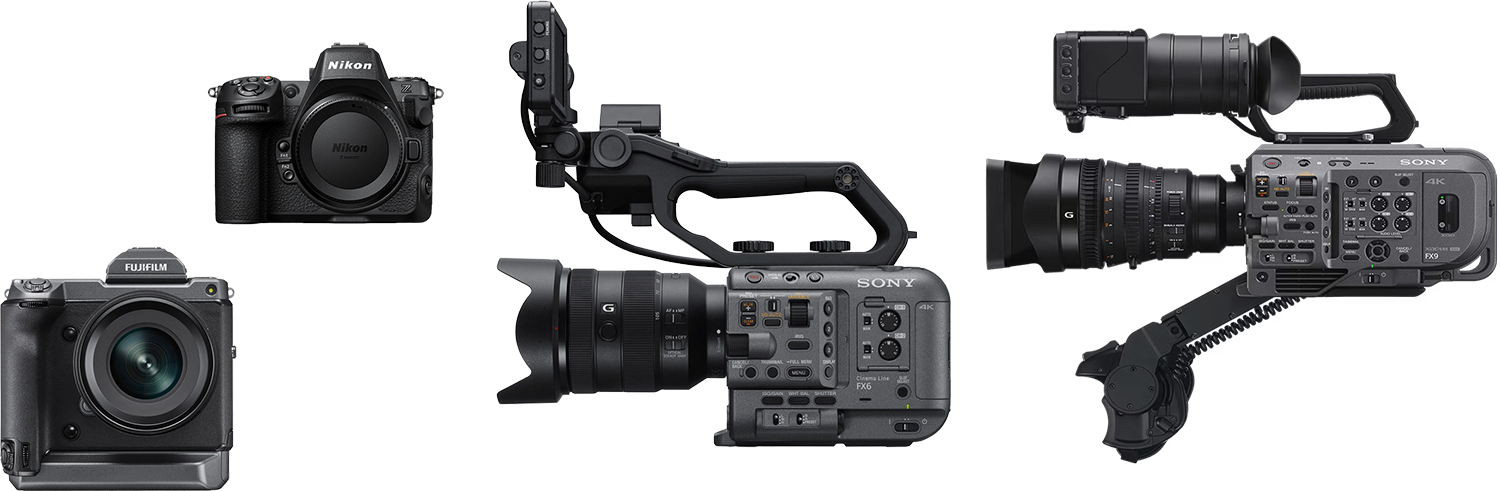
Learn about our equipment
How to use this template
Copy/paste the sections below into your RFP. Keep deliverables and timelines explicit. If you want predictable results, write audio and slides like technical requirements—not “nice-to-haves.”
A) Event overview
Event name: [Insert]
Dates: [Insert]
Venue: [Insert] (include address + room list)
Attendance: [Insert]
Program format: keynotes / plenaries / breakouts / workshops / expo: [Insert]
Rooms running concurrently: [Insert]
AV provider contact: [Insert name/email/phone]
B) Video scope
B1) Keynotes + plenaries (required)
Capture: single-cam or multi-cam [Specify]
Audio: board feed requested + backup audio path required
Deliverable: one edited file per session (clean trims + consistent naming)
B2) Breakout sessions (if applicable)
Number of rooms: [Insert]
Overlap schedule: [Insert]
Audio plan per room: [Insert]
Deliverable: one file per session, consistent titles/exports
B3) Panels + Q&A (if applicable)
Mic requirements: include audience Q&A capture plan
Camera coverage: [Specify wide + tight + optional audience]
C) Slide integration requirements
Vendors must propose one method:
Deck-file workflow (preferred): vendor collects PPTX/KEY/PDF and aligns timing
Program feed capture: AV provides a feed and vendor records it
Fallback: screen capture only if no other source is available
Required: vendor must confirm how they handle late deck changes and version updates.
D) Deliverables (define these clearly)
Minimum deliverables (edit as needed):
One file per talk/session (H.264, 1080p)
Audio requirements: intelligible delivered mix; vendor describes redundancy
Optional: picture-in-picture slides
Optional: captions (SRT/VTT) + transcript (DOCX/PDF)
Optional: 60–120s recap + social cutdowns (9:16 + 1:1)
E) File naming + delivery structure
Require vendors to describe:
folder structure (by day / by room / by session)
naming convention example
delivery method (Drive/Dropbox/portal)
revision window and feedback process
F) Photography scope
Required coverage (edit):
keynote speakers (hero shots + wide branding context)
audience engagement + networking
sponsor booths + signage (logos readable)
room setups before doors open
VIP/group photos (if needed)
Deliverables:
curated selects (fast posting) + full gallery (archive)
optional sponsor packs (folders per sponsor)
G) Operational requirements
load-in window + access rules
camera placement restrictions (FOH, aisles, risers)
power locations and cable safety
insurance requirements [Insert]
redundancy plan (media backup, audio backup)
H) Vendor questions (force clarity)
How will you capture board feed audio and what backups will you run?
How will you capture audience Q&A?
How will you integrate slides (deck vs program feed)?
How do you scale for multi-room breakouts?
What is your file naming + delivery workflow for 20–80 sessions?
What is your standard vs rush turnaround?
Who owns the footage and what usage rights are included?
How do you handle revision rounds and approvals?
What is your redundancy plan (media backup, audio backup)?
Provide 2–3 relevant examples (talk video + slides + clean audio).
Related links
Conference video + photography (hub): https://www.studiowillis.com/conference-video-photography-vancouver-bc/
Pricing factors: https://www.studiowillis.com/conference-video-photography-vancouver-bc/conference-video-recording-cost-vancouver-bc
Conference recording packages: https://www.studiowillis.com/conference-video-photography-vancouver-bc/conference-recording-packages-vancouver
Contact: https://www.studiowillis.com/contact
Contact the studio
FAQ
What should a conference video recording RFP include?
Agenda, room list, overlapping sessions, AV contact, audio requirements, slide integration requirements, deliverables, and timelines.
How do I specify board feed audio requirements in an RFP?
Require board feed capture when available plus a backup audio path and a clear audience Q&A capture method.
What is the best way to specify slide integration?
State deck-file workflow preferred and require vendors to describe deck collection and timing alignment.
How do I scope multi-room breakout session recording?
Specify concurrent rooms and require one file per session with consistent naming and exports.
Should I include conference photography in the same RFP as video?
Yes if sponsor proof, speaker coverage, and consistent delivery matter—bundling reduces gaps.
What deliverable formats should I request?
H.264 1080p files per session, optional PIP slides, optional captions (SRT/VTT), optional highlights and social cutdowns.
How many revision rounds should I request?
At least one included revision; define what counts as a revision and approval timelines.
What vendor questions prevent bad recordings?
Audio redundancy, Q&A capture, slide workflow, multi-room staffing, file naming, and delivery structure.
Do I need to specify file naming conventions?
Yes—file naming and folders prevent chaos when you have many sessions.
What do vendors need to quote accurately?
Agenda, overlaps, AV contact, deliverables list, and turnaround expectations.
Categories
Tags
- AV board feed requirements
- board feed audio conference
- breakout session recording vendor
- captioning conference videos
- capture audience q&a audio
- clean audio for conference recording
- conference audio recording vancouver
- conference av audio routing
- conference photography rfp
- conference video rfp template
- conference video sound quality
- conference videography rfp vancouver
- corporate conference video production
- corporate event audio capture
- event media deliverables
- keynote recording scope of work
- lav mic keynote recording
- slide integration requirements
- talk recording audio setup
- wireless mic backup plan